
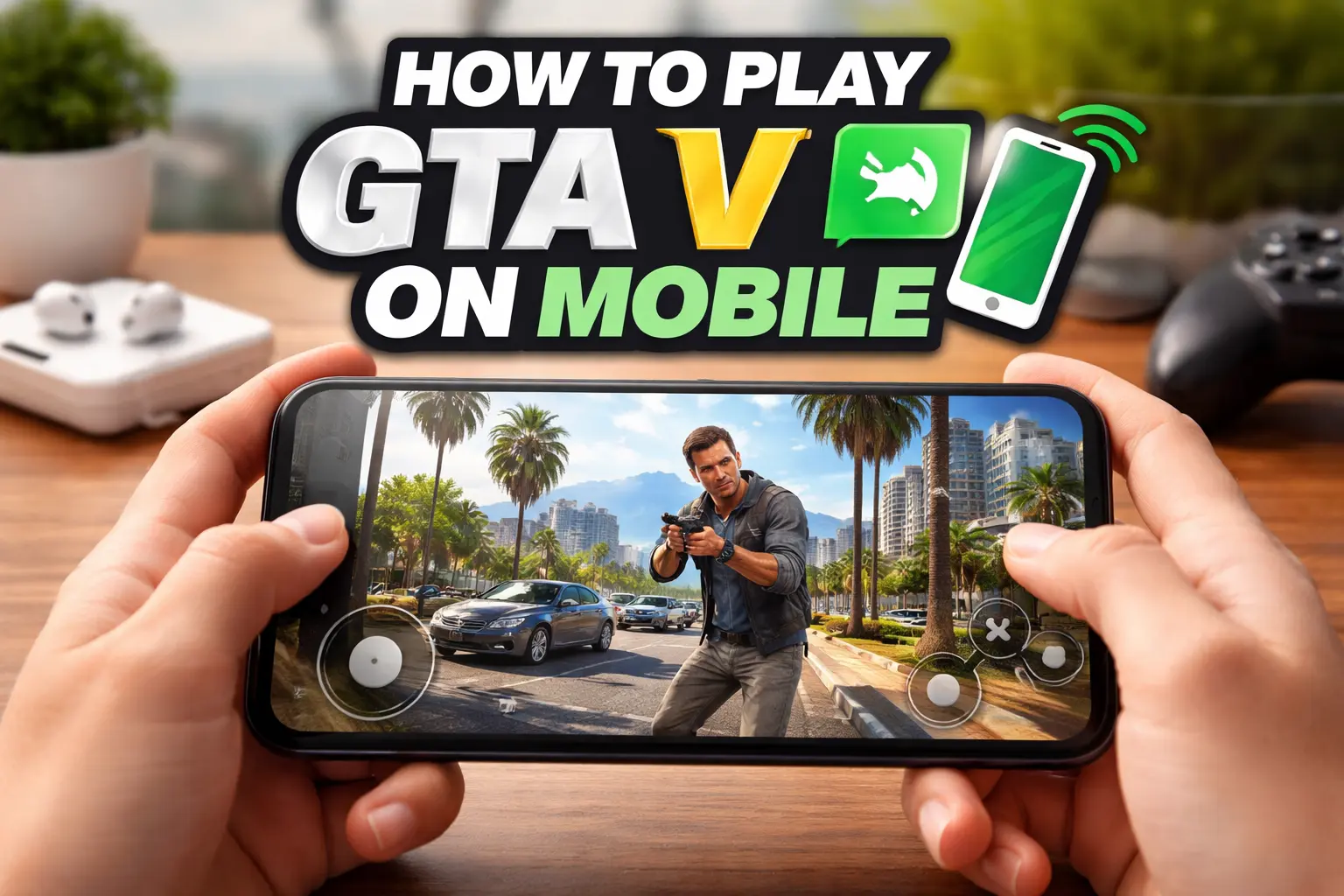
How to Play GTA V on Mobile? (Android & iPhone)
OPEN WORLD GAMESIntroduction – GTA V on Mobile
Play GTA V on mobile (GTA V or GTA 5) is one of the most popular open-world games globally. However, Rockstar Games has not released an official mobile version yet. In this guide, we’ll show you 100% working methods to play GTA V on mobile smoothly — for both Android and iPhone users.
Can You Play GTA V Directly on Mobile?
Short answer: No official GTA V mobile version is available.
But there are legit ways to run the game through streaming or remote play, allowing you to enjoy GTA V safely on your mobile.
Best Methods to Play GTA V on Mobile
✔️ Method 1 — Cloud Gaming (Fastest & Easiest)
Cloud gaming runs the game on remote servers while your mobile acts as a display.
✅ Steps:
- Ensure a stable internet connection (minimum 10 Mbps recommended).
- Install a cloud gaming app like:
- Xbox Cloud Gaming
- Boosteroid
- Shadow
- Sign in or subscribe.
- Search for GTA V, start playing, and enjoy.
Pros: No high-end phone required, smooth gameplay
Cons: Requires a stable internet connection
✔️ Method 2 — Remote Play (PC to Mobile)
If you already own GTA V on PC/Console, you can stream it to your mobile.
For Android:
- Steam Link
- Parsec
For iPhone:
- Moonlight
- Steam Link
Steps:
- Connect your phone and PC to the same Wi-Fi network.
- Open the app and connect to your PC.
- Start playing GTA V on your mobile.
Pros: Excellent performance
Cons: Requires PC to be on
Android vs iPhone — Which Is Better?
| Feature | Android | iPhone |
|---|---|---|
| Cloud streaming support | 👍 | 👍 |
| Controller support | 👍 | 👍 |
| Game compatibility | Similar | Similar |
| Performance on mid-range phones | Can vary | Usually more consistent |
Tip: Use a Bluetooth controller for the best gameplay experience.
Recommended Controllers for Mobile
- Xbox Wireless Controller
- PlayStation DualSense
- 8BitDo Mobile Controllers
These controllers connect via Bluetooth and provide smooth and accurate controls.
Settings for Smooth Gameplay
📶 Internet
- Minimum: 10–15 Mbps
- Best: 20+ Mbps
- Wi-Fi is recommended over mobile data
📱 Phone Storage & RAM
- Close background apps
- Free at least 1–2 GB RAM
🎮 Controller Lag
- Turn off unnecessary Bluetooth apps
- Keep your phone near the controller
GTA V Mobile Tips for Beginners
✔ Start with automatic aiming settings
✔ Adjust graphics quality in the streaming app
✔ Play during off-peak hours for better connection
✔ Save progress frequently
Frequently Asked Questions (FAQs)
❓ Is GTA V Mobile free?
Officially no, but cloud gaming may require a subscription.
❓ Can I play offline?
No — GTA V needs either remote servers or PC streaming.
❓ Do I need a controller?
No, but it’s highly recommended for better gameplay.
Conclusion
To play GTA V on mobile in 2026, the best options are:
✅ Cloud gaming
✅ Remote play from PC/Console
These methods are safe, working, and beginner-friendly, without relying on illegal downloads.